

Why this exists
FieldPal listens continuously during a conversation, so it can hear you at any point, including while it’s still talking. Normally the tablet’s own echo cancellation removes its speaker output from the microphone feed before FieldPal processes it, so this isn’t a problem. That built-in cancellation depends on the microphone having a clear path to hear the room. If it’s obstructed, most commonly by a rugged case, a mount, or something covering the microphone, cancellation can fail. When that happens, FieldPal can hear itself speaking, transcribe its own sentence as if you’d said it, and treat it as a new message, sometimes triggering odd or repeated responses. AEC override switches on a software-level check as a backup. FieldPal keeps a short record of what it just said and compares anything the microphone picks up against it while it’s speaking. If the two match closely, it’s treated as an echo of FieldPal’s own voice and discarded rather than sent as a message.Turning it on
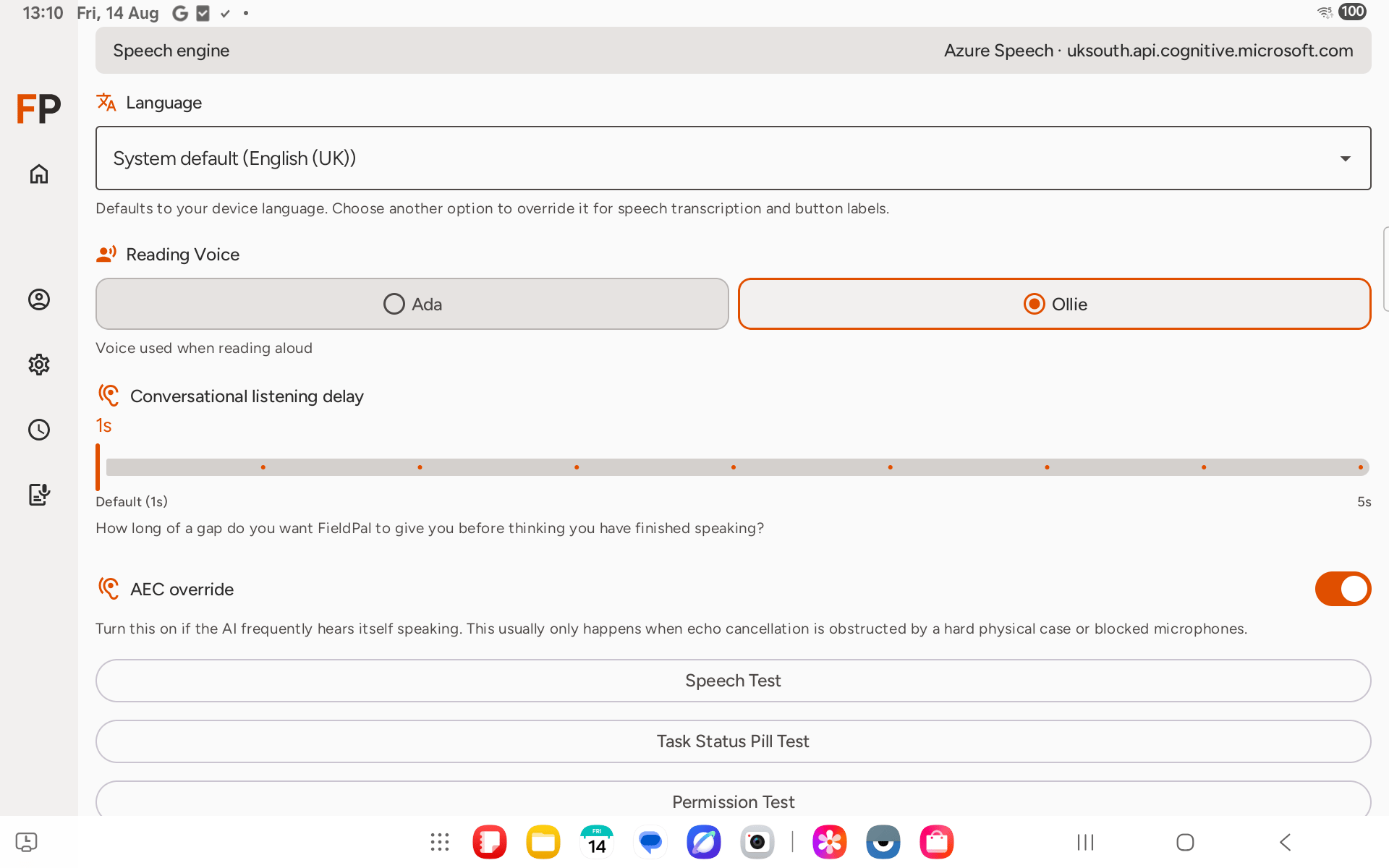
Open Settings from the sidebar, then scroll down past Reading Voice and Conversational listening delay to AEC override.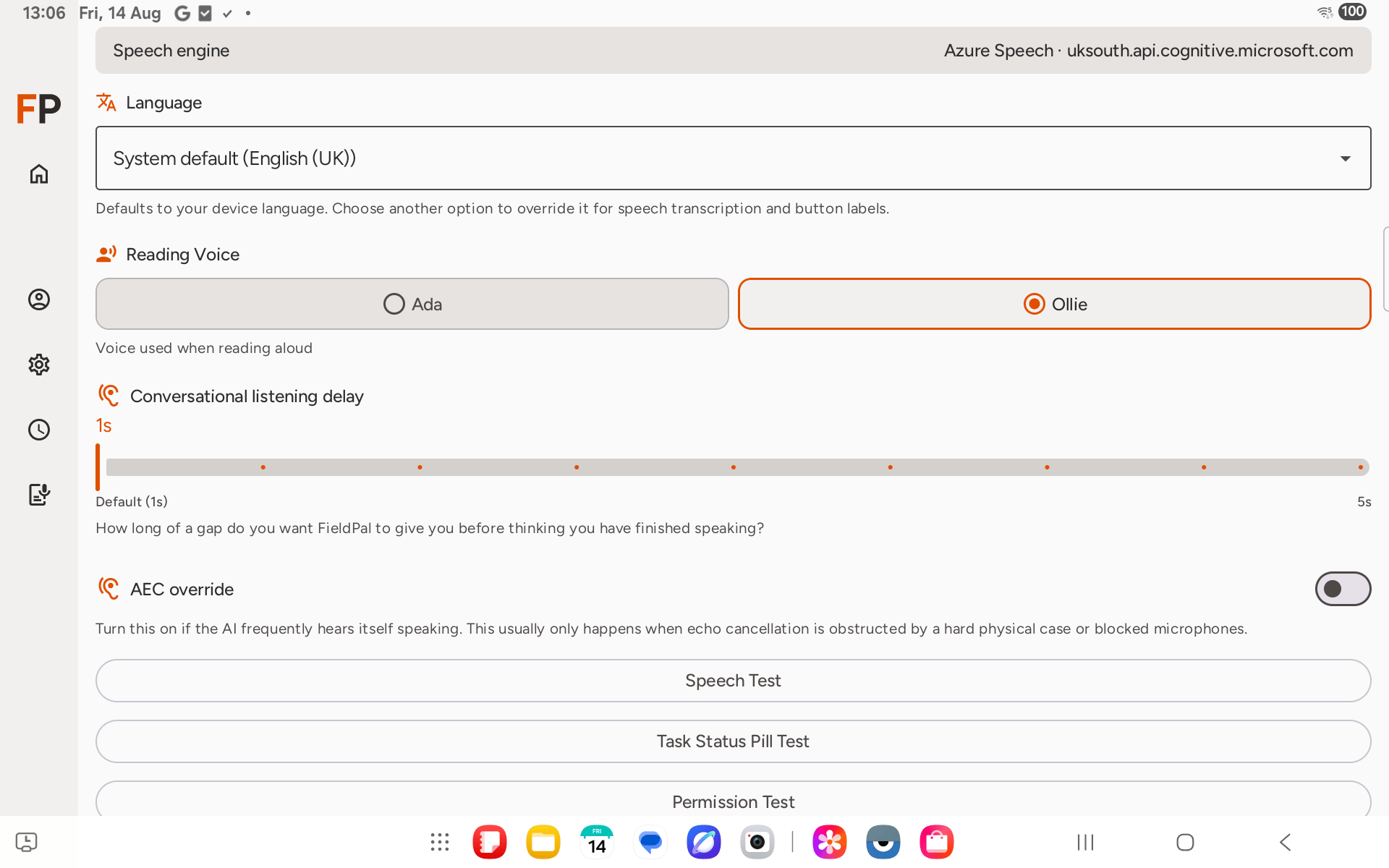
Tips
- This only filters out FieldPal’s own voice. It doesn’t make FieldPal any less responsive to you, and it doesn’t stop you interrupting it mid-sentence: that still works exactly as before.
- If cancellation is failing badly enough that FieldPal is constantly hearing itself, it’s worth checking whether the case or mount can be adjusted to give the microphone a clearer path, since that’s the underlying cause. AEC override is a safety net, not a fix for the obstruction itself.
- Your choice saves automatically and stays on (or off) the next time you open the app.
- This setting is Android only. It isn’t shown on iOS, which runs its own always-on version of this filter instead.