Step 1: Start the report
From the home screen, tap Complete report, then choose the template that contains a RAG field.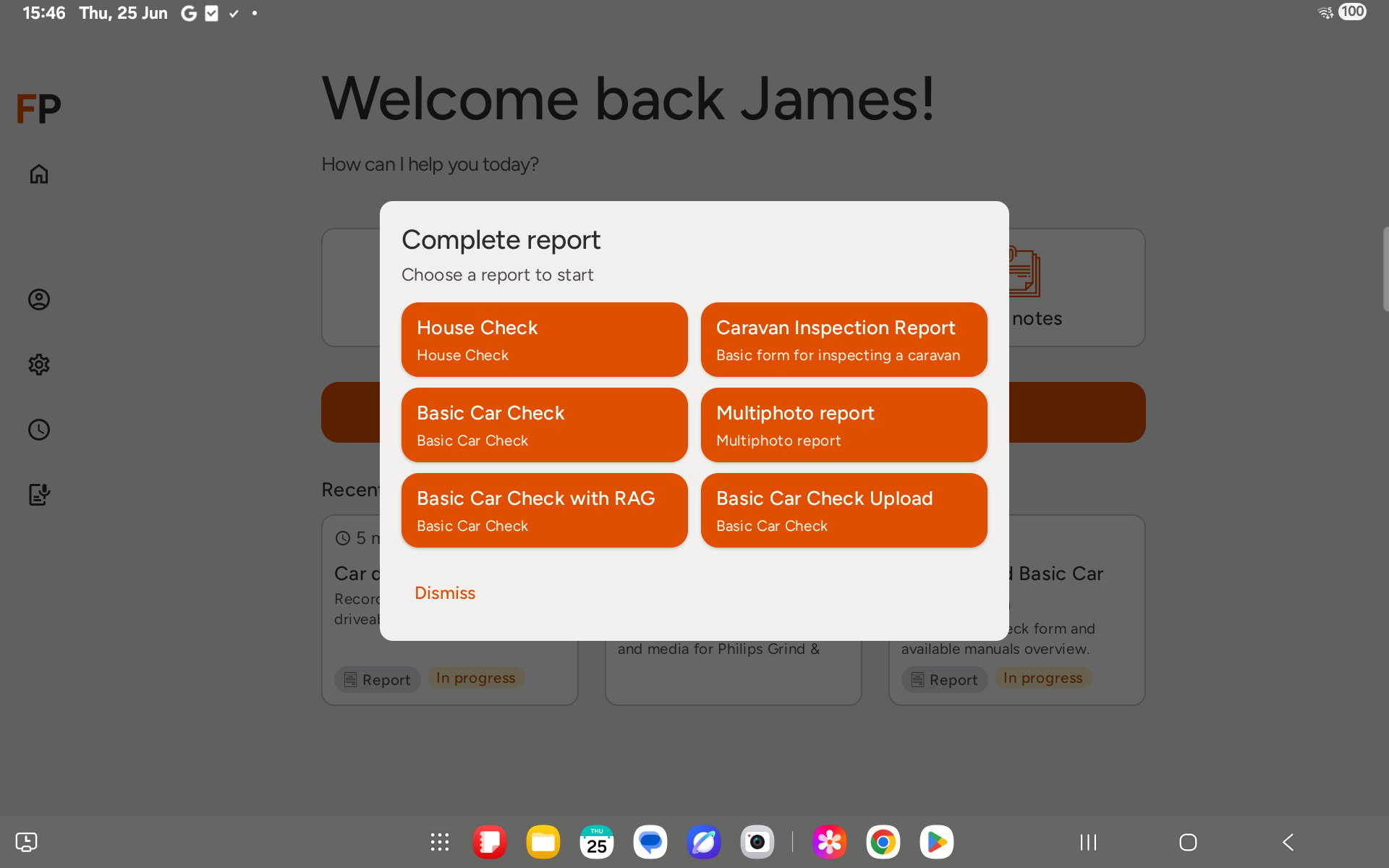
Step 2: Tell the AI the rating
The assistant asks for each field in turn. When it asks about the RAG field, just say the colour — for example, “driveability is amber” or “site safety is green”.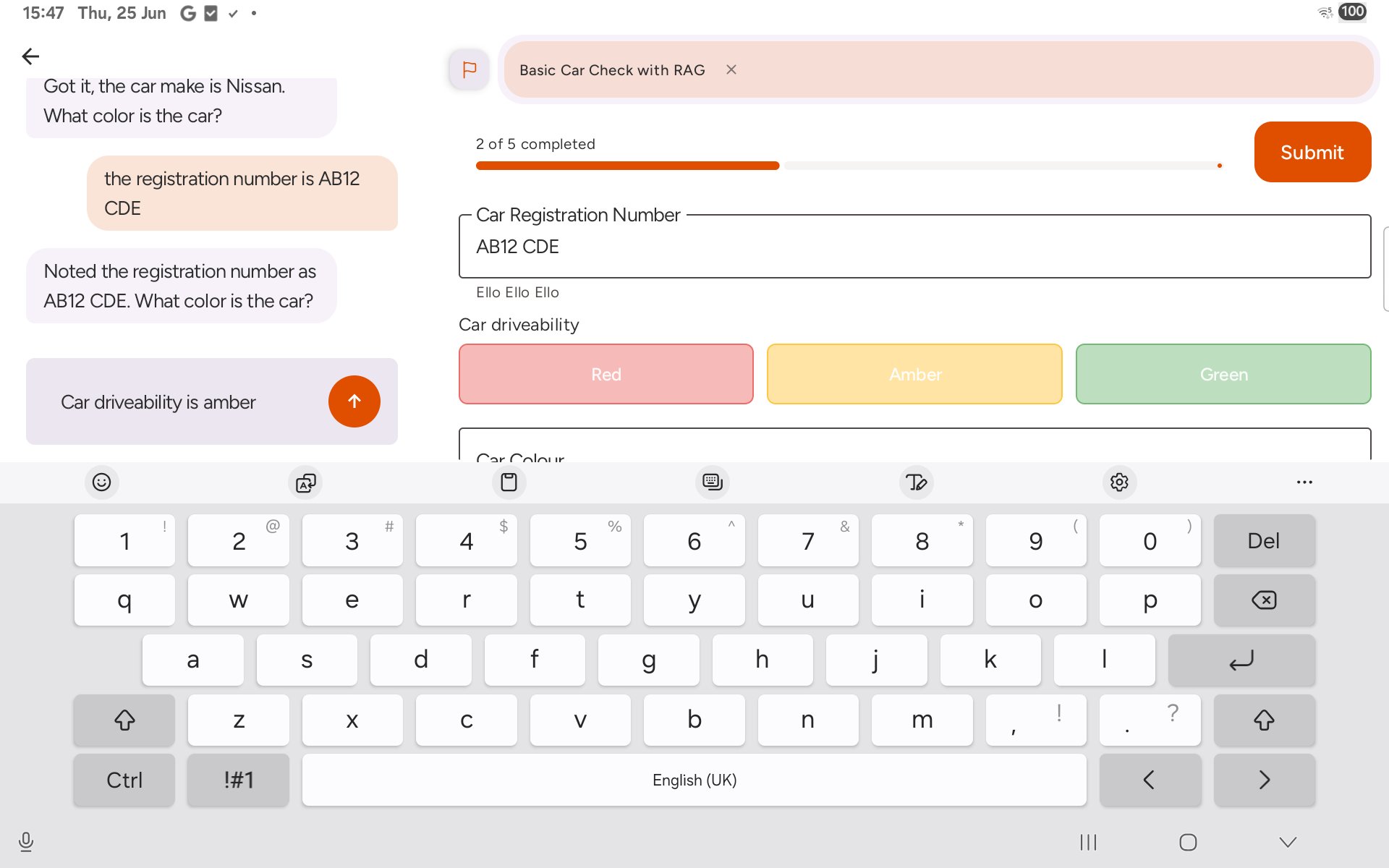
Step 3: Check the form field
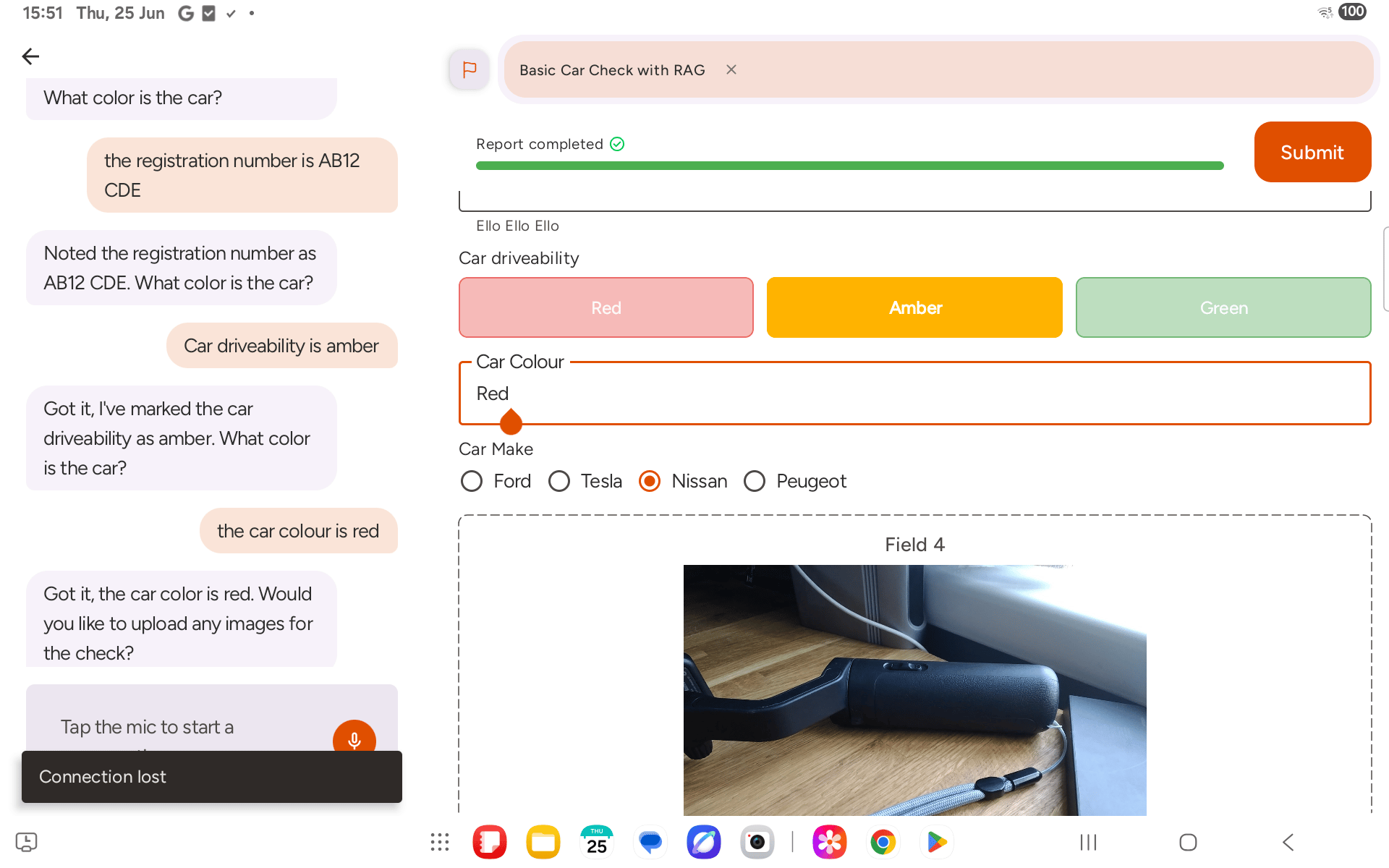
As you answer, the form panel fills in alongside the chat. The RAG field shows three colour pills — Red, Amber, Green — and highlights the one the AI set from your answer.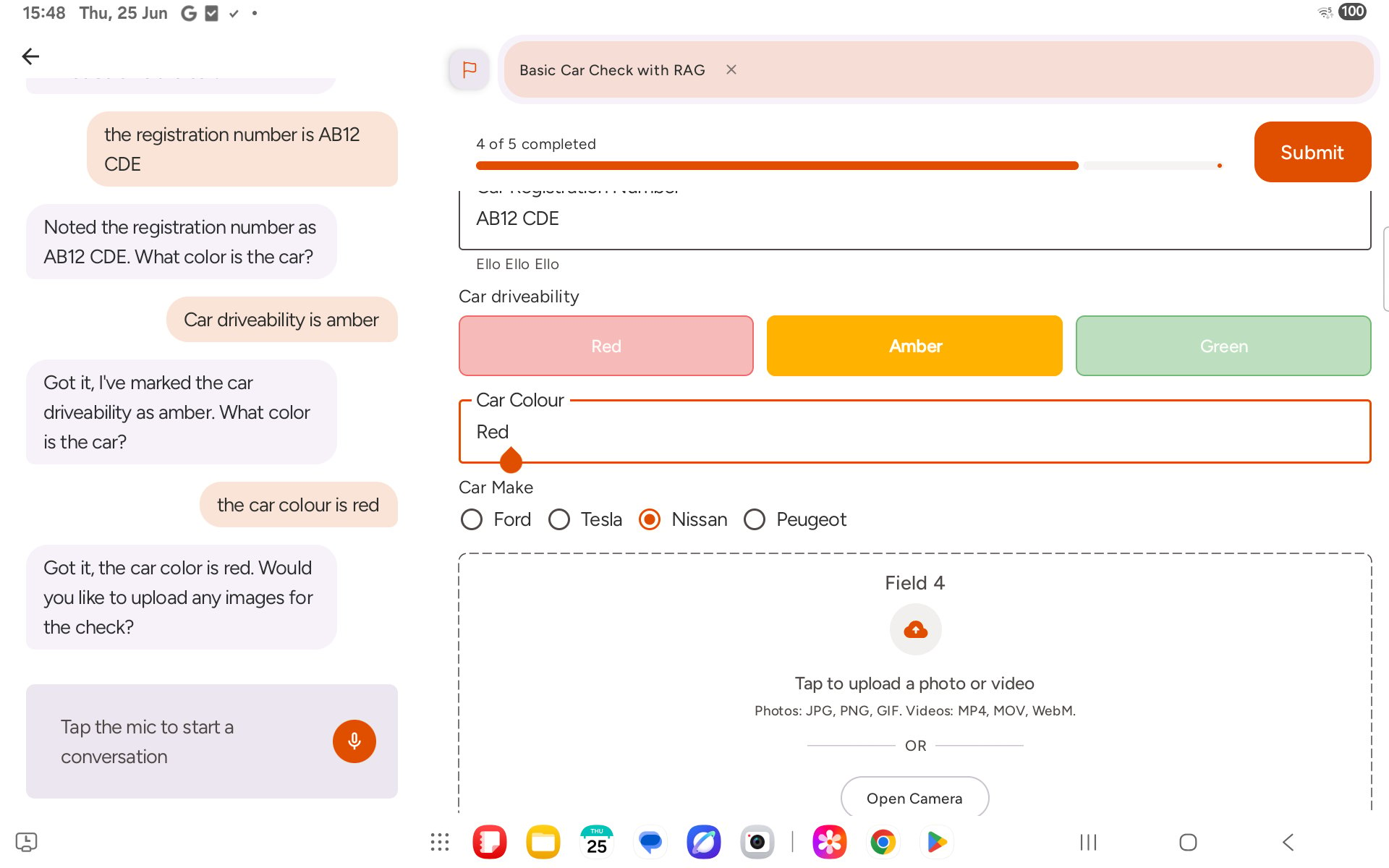
Step 4: Finish and submit
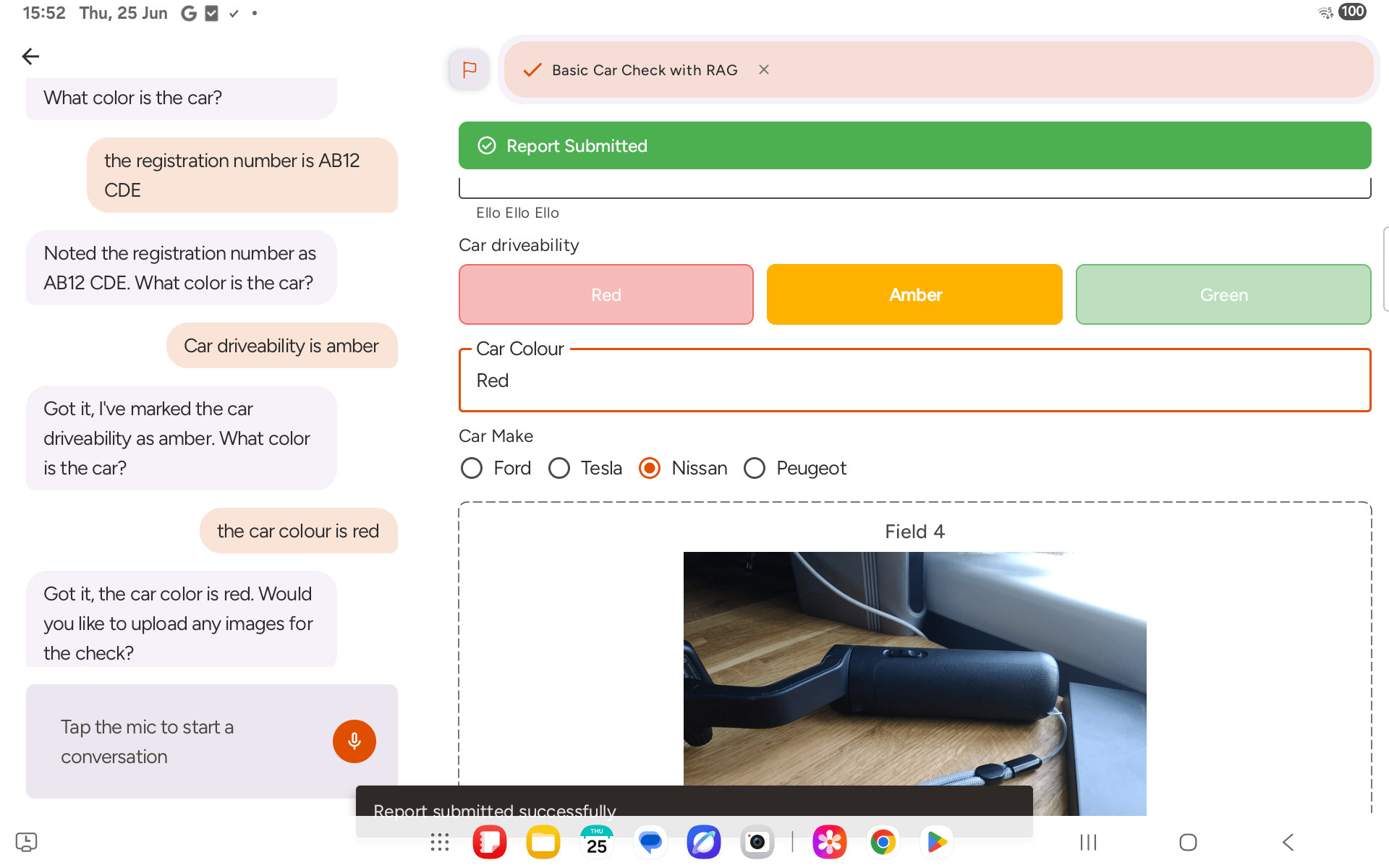
Once all required fields are filled in, the progress bar reaches 100% and Submit becomes active. Tap it to send the report.