

AB12 CDE and ab12cde count as the same vehicle.
Only organisation admins can create and manage facets. Nobody filling in a report sees any of this: facets only change what you can search for in the dashboard afterwards.
Step 1: Open the Facets page
In the left-hand sidebar, click Facets, in the Knowledge group below Connections. The page explains what facets are and lists any you have already created.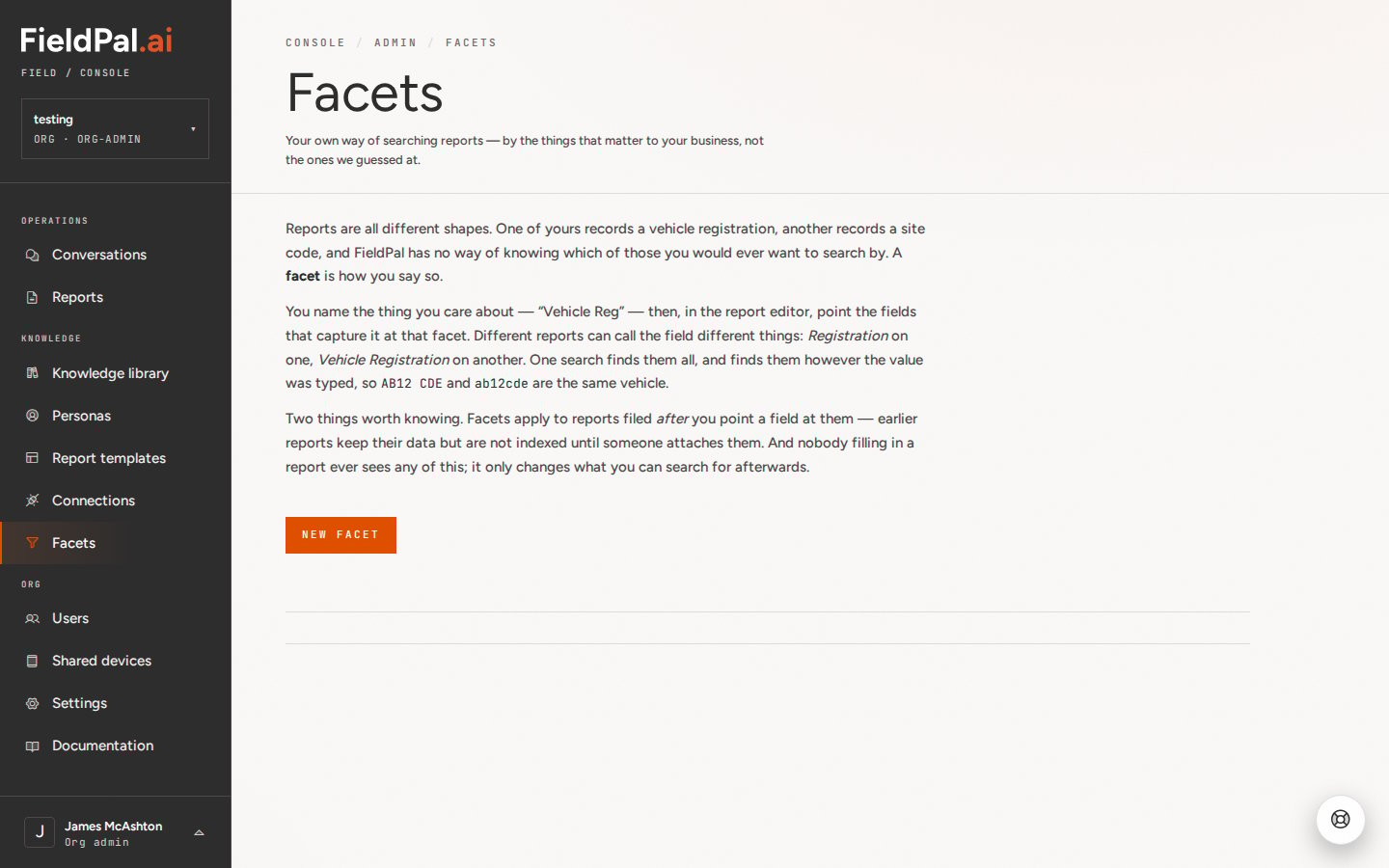
Step 2: Create a facet
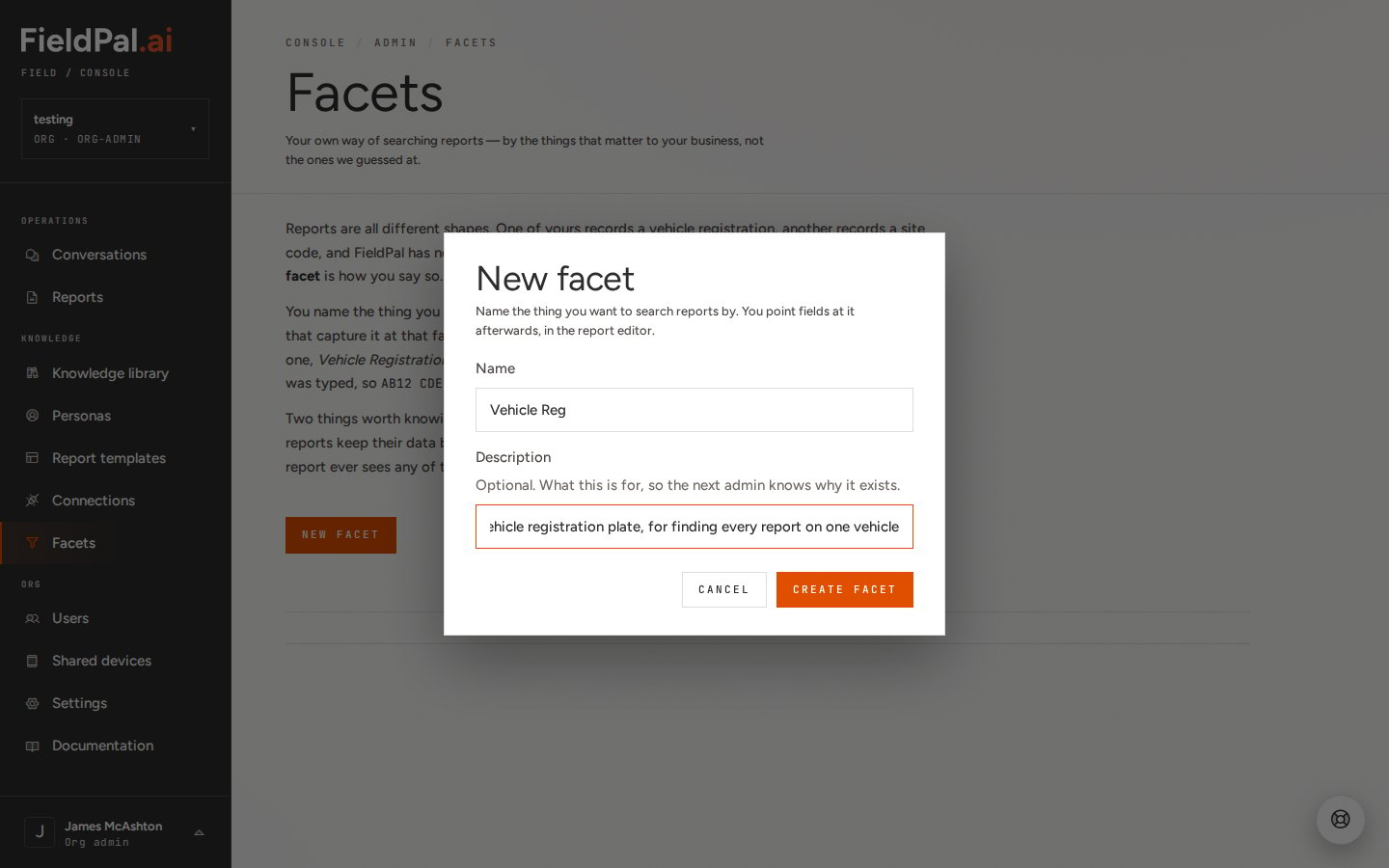
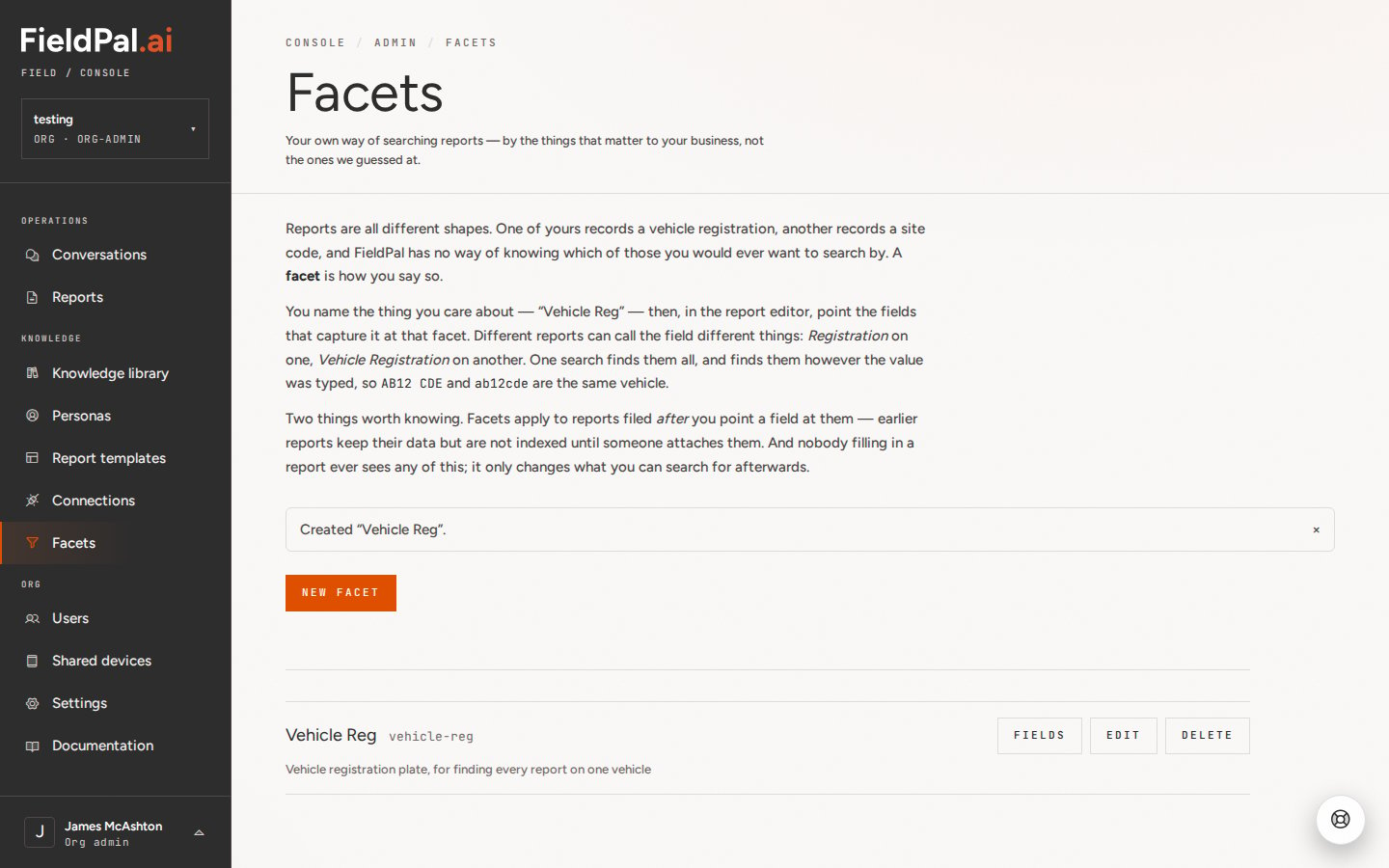
Click New facet. Enter:- Name: what you want to search by, for example
Vehicle Reg - Description (optional): what the facet is for, so the next admin knows why it exists
Step 3: Point a template field at the facet
Go to Report templates and open the template that captures the value, for example a vehicle inspection form. Click the field that holds it (here, Registration Number) to open the field editor. Scroll down to Searchable by and choose your facet from the list. Click Apply, then Save the template.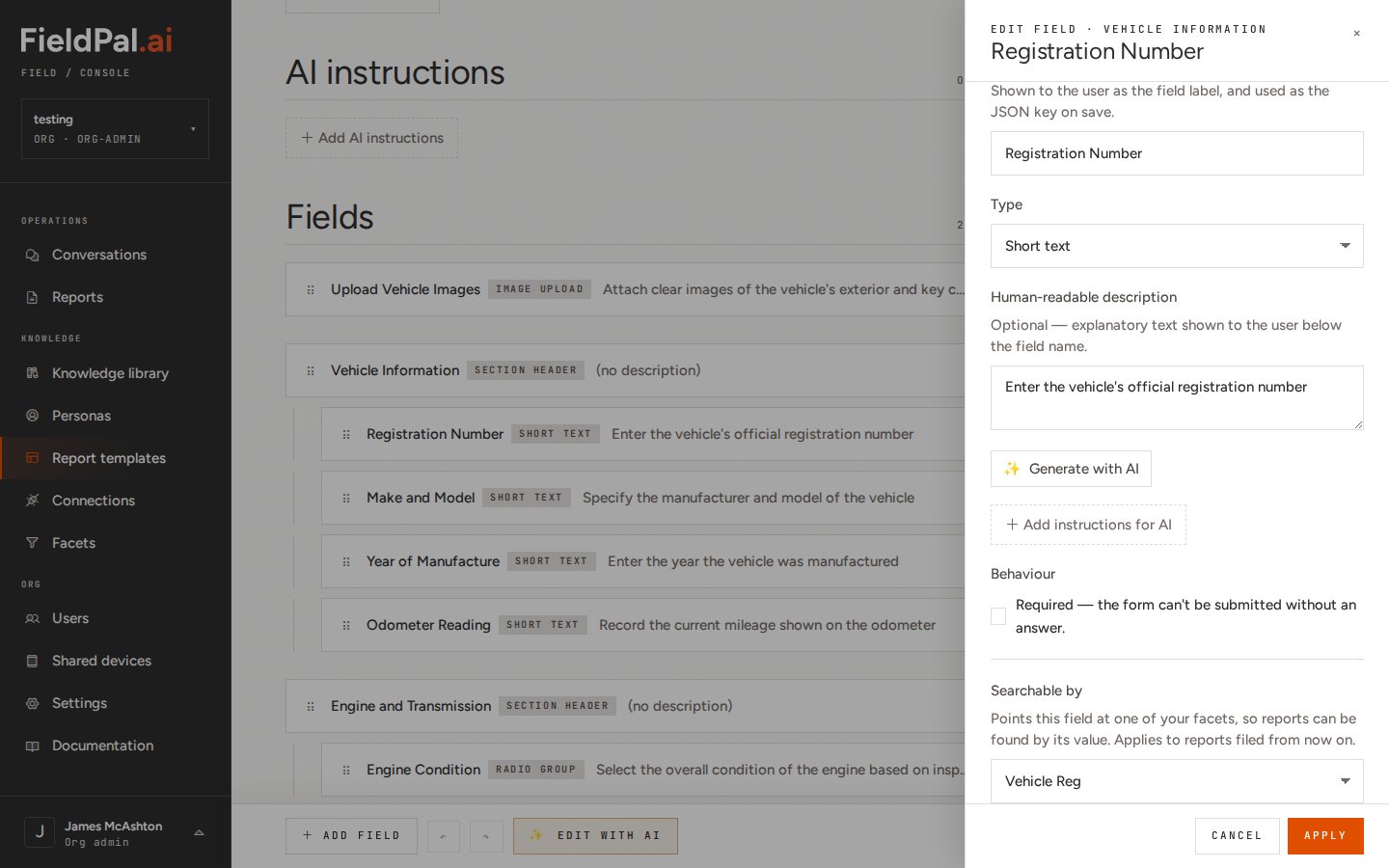
Step 4: Check which fields are linked
Back on the Facets page, click Fields next to a facet to see every template field pointing at it. Click the template name to open it, or Unlink to stop that field feeding the facet.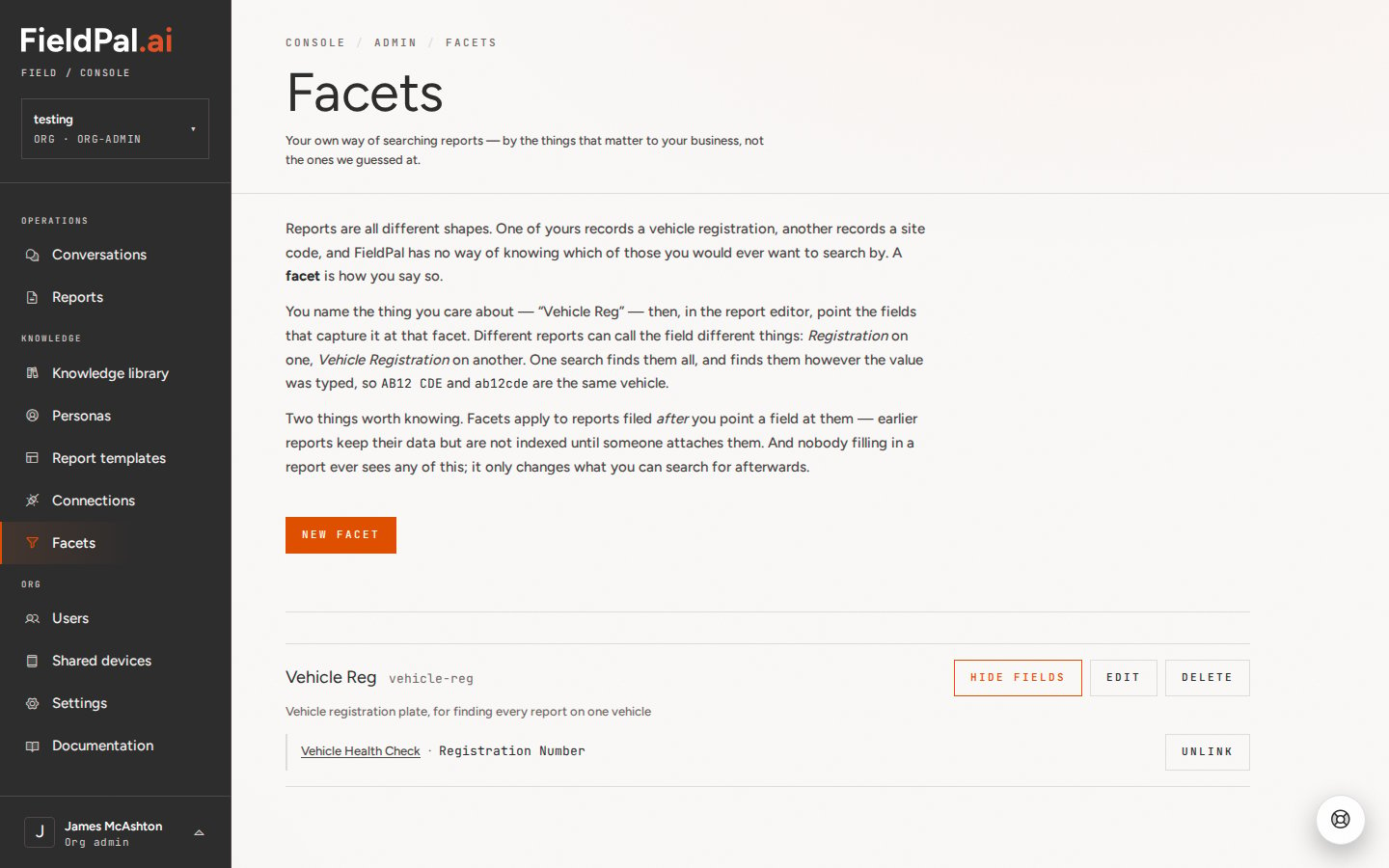
Step 5: Search your reports
Open Reports and type the value into the search box at the top of the filter panel, for example a registration. The register shows every report carrying that value, whichever template it was filed on. The matching value is shown on each report row.Editing or deleting a facet
Click Edit to change a facet’s name or description. Renaming is safe: reports already indexed stay in the facet. Click Delete to remove a facet. You will be asked to confirm. Your reports keep all their data; you just lose the ability to search by that facet, and any fields pointing at it stop feeding anything.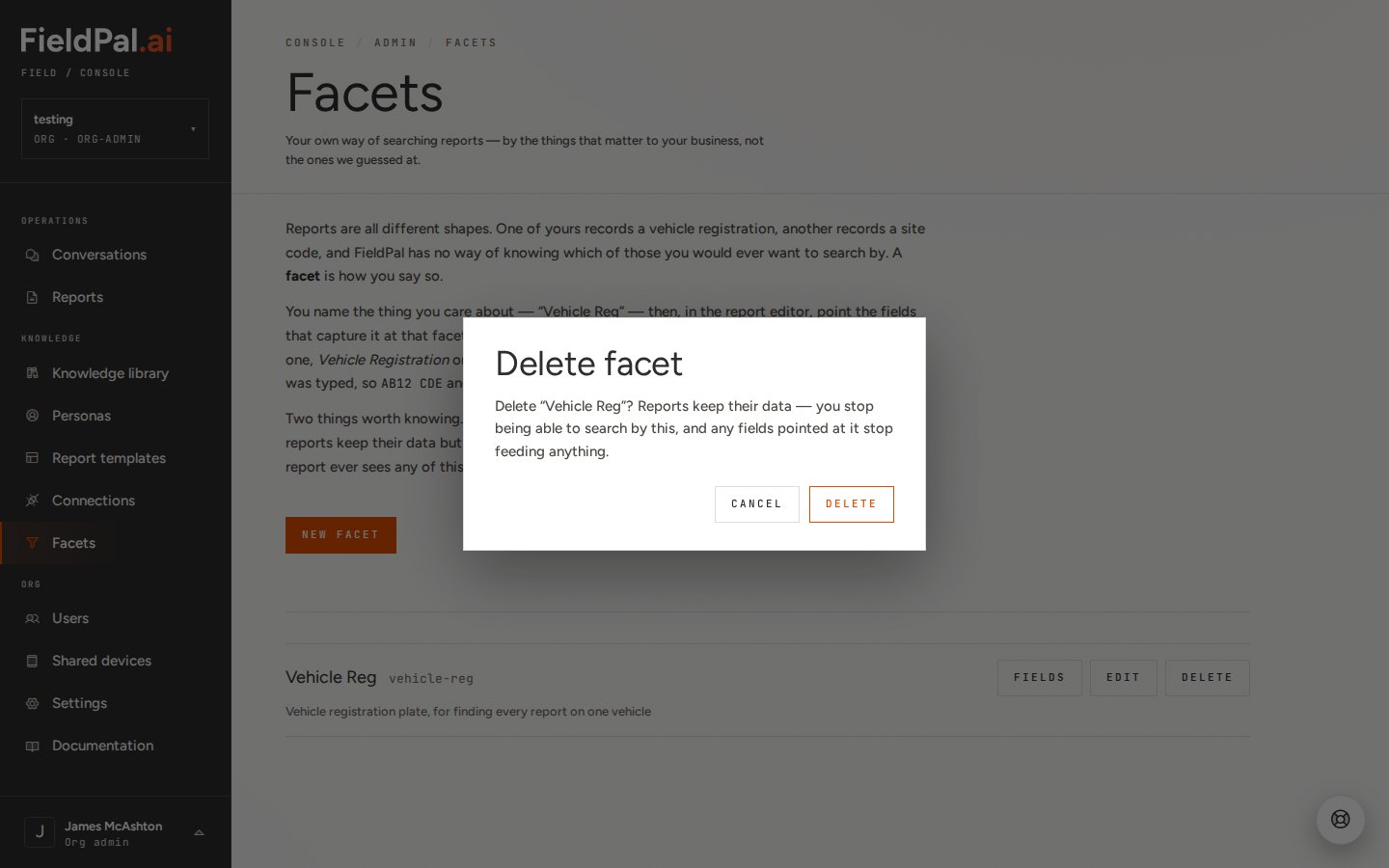
Tips
- Create one facet per real-world thing, not one per template. The point is that
Vehicle Regfinds reports from your MOT form, your damage form and your handover form in one search. - Set up facets before a new template goes live, so every report filed on it is searchable from day one.
- Search combines with the filters on the left, so set Date filed to All and Status to Any if you want every report on a vehicle, not just recent ones.