

Step 1: Go to the login page
Navigate to dashboard.fieldpal.ai. You will see three options.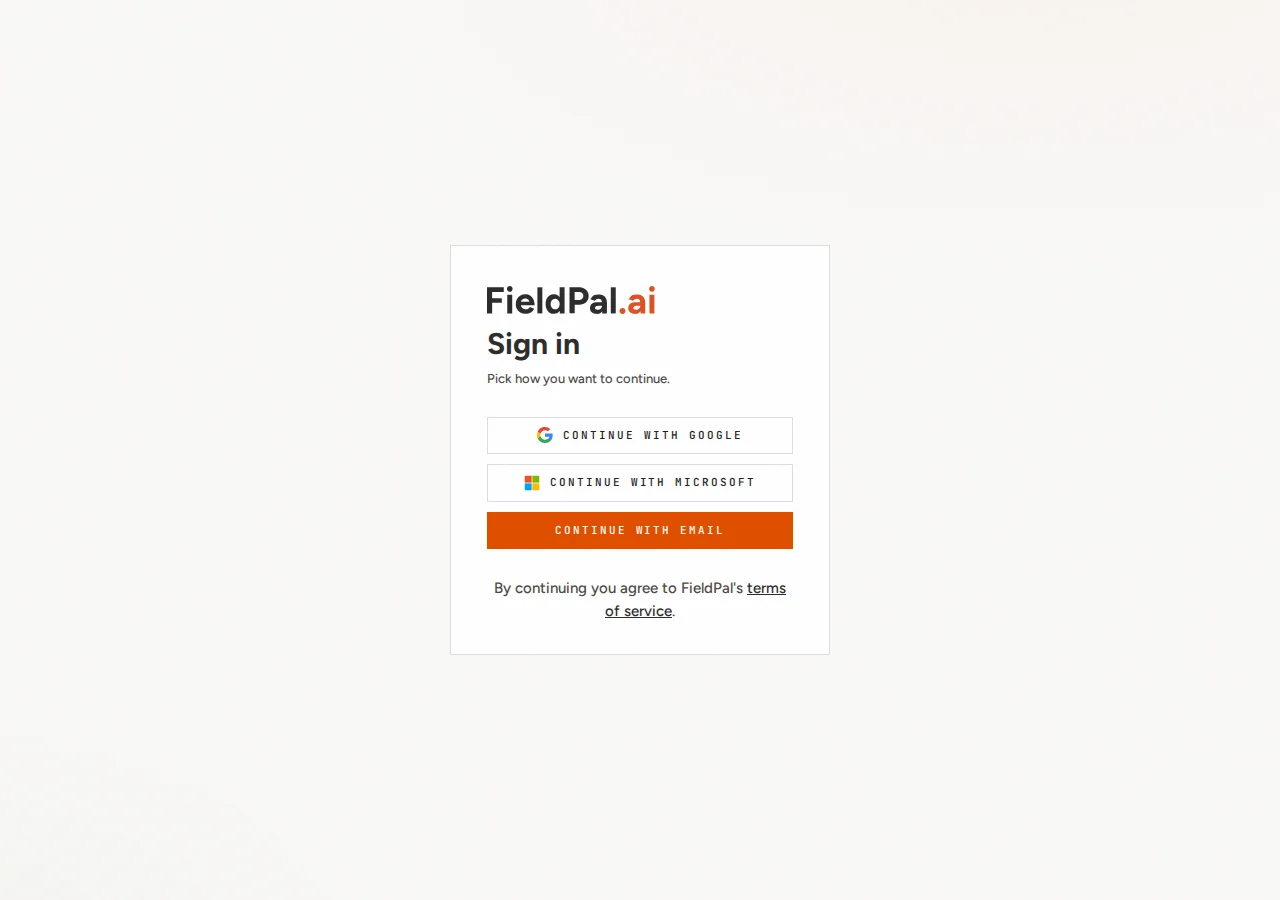
Step 2: Choose how to sign in
Pick whichever method matches your account:- Continue with Google: signs you in using your Google account.
- Continue with Microsoft: signs you in using your Microsoft / work account.
- Continue with email: signs you in with an email address and password.
Signing in with email
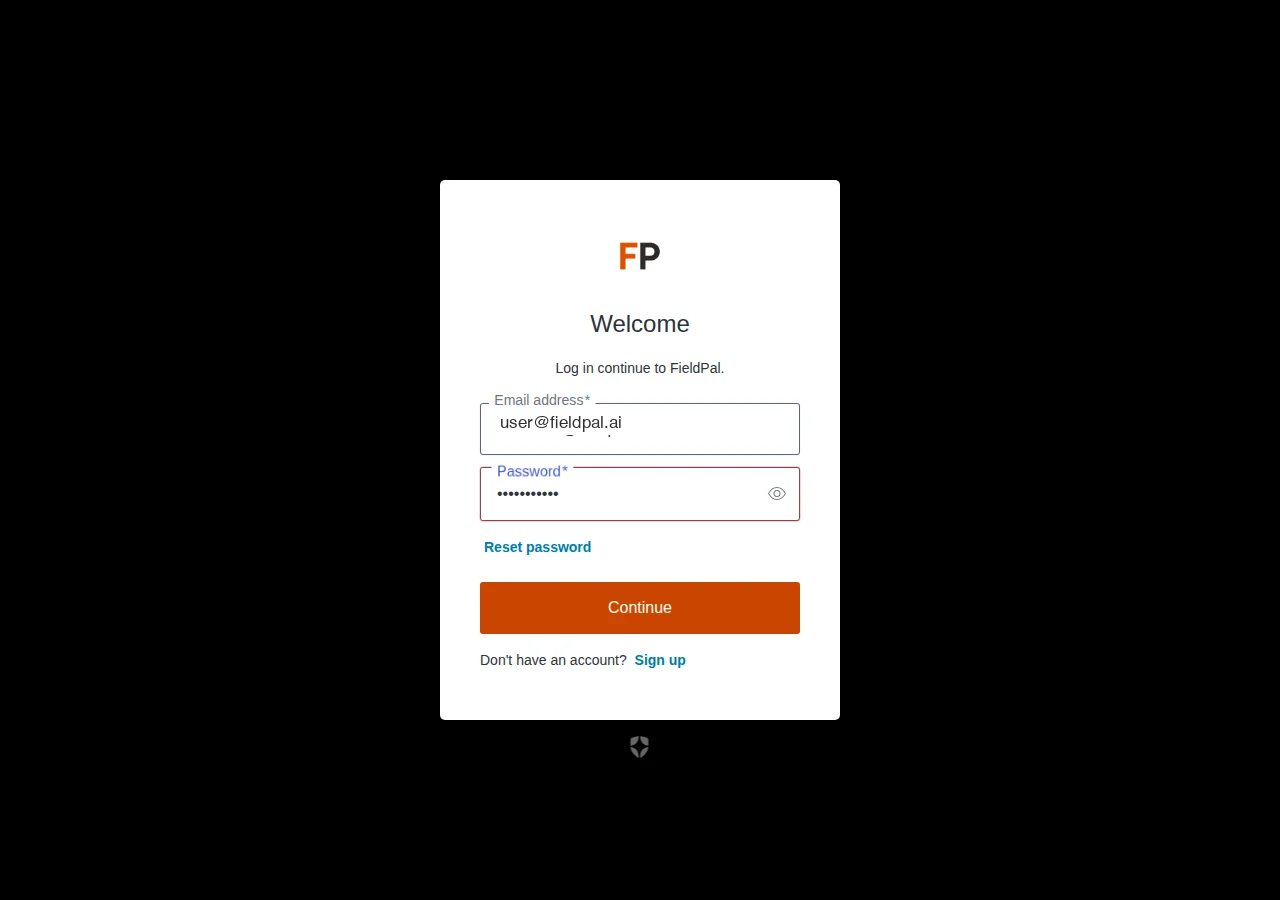
If you choose Continue with email, you are taken to a two-step form.Enter your email address
Type your email into the username field and click Continue.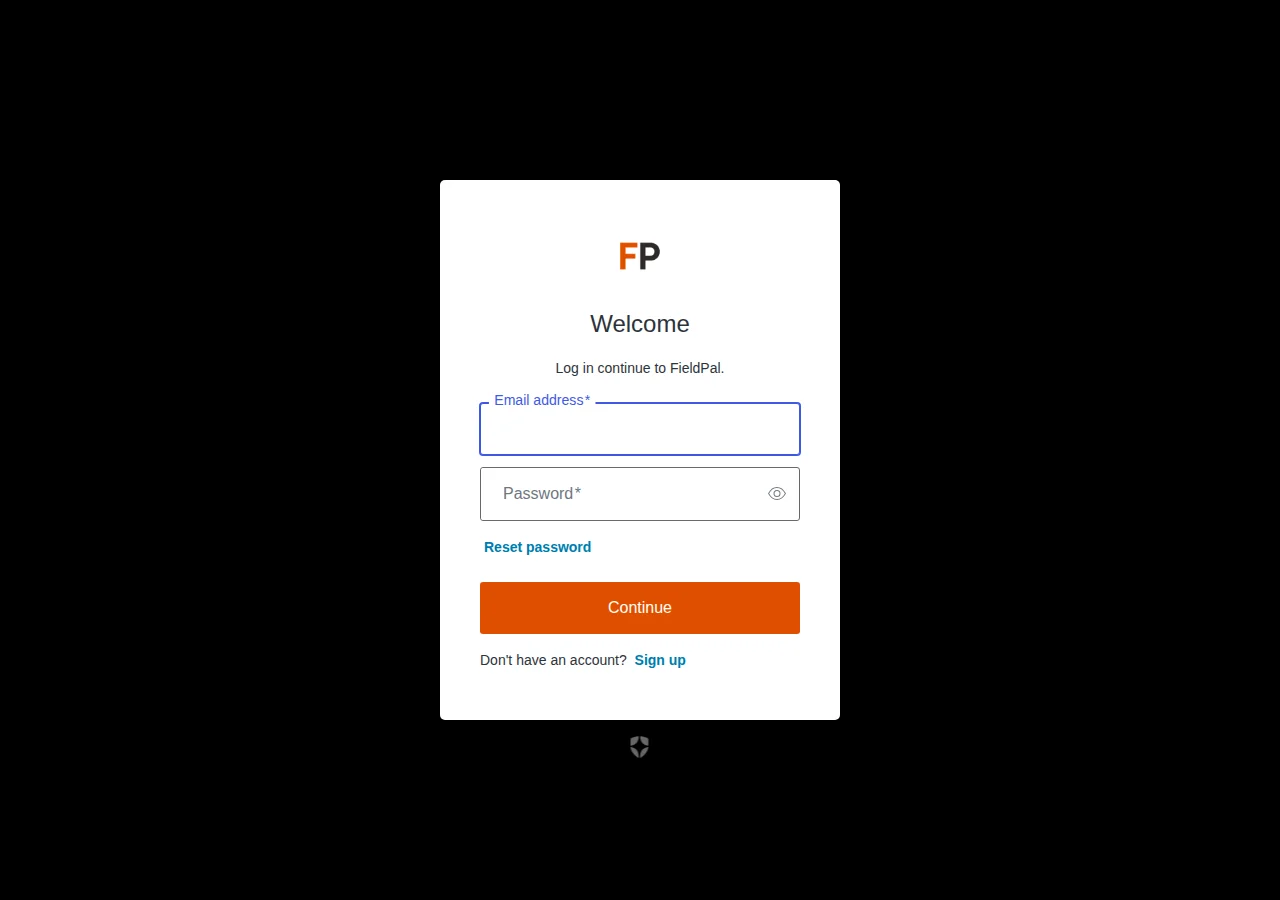
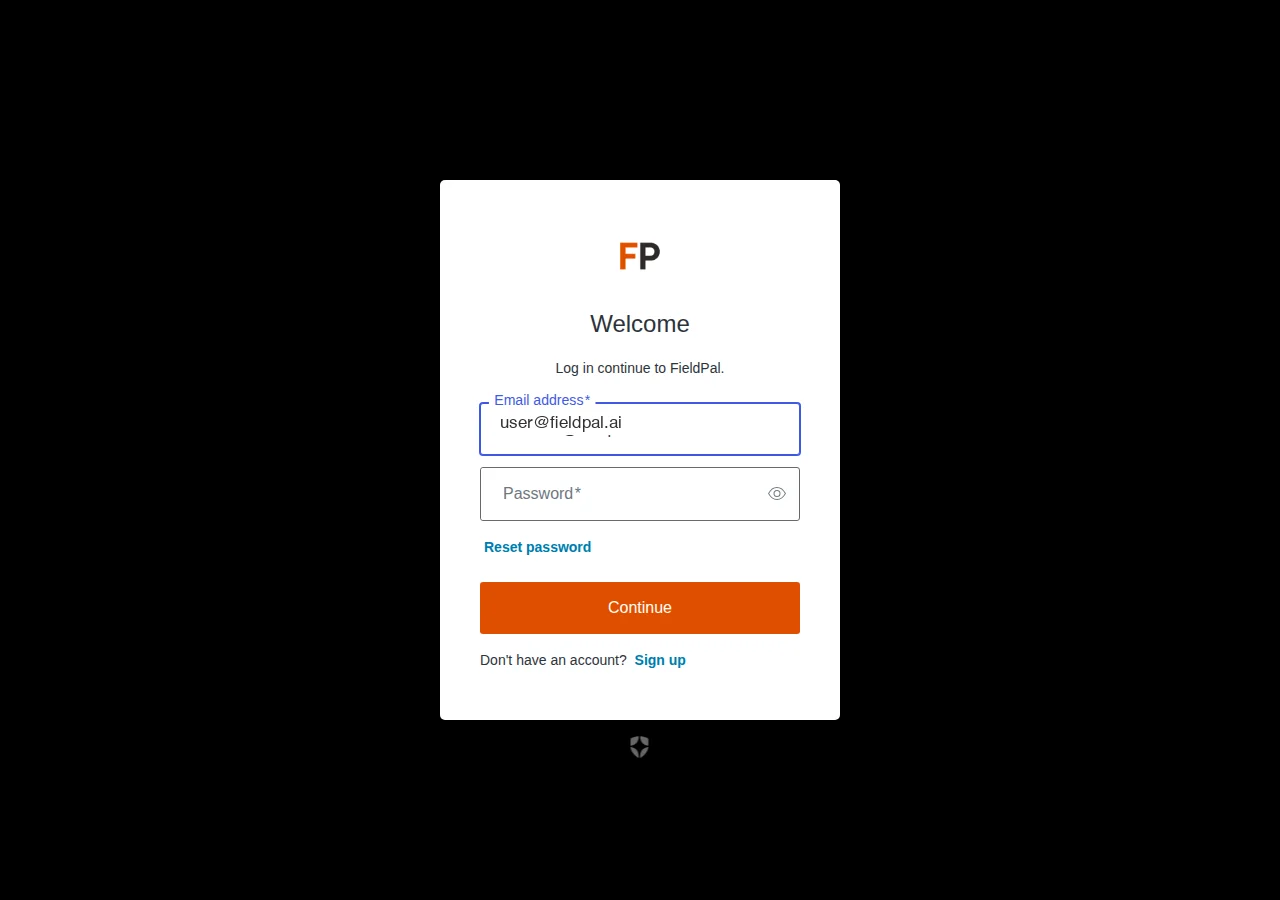
Enter your password
After clicking Continue, the password field appears on the same page.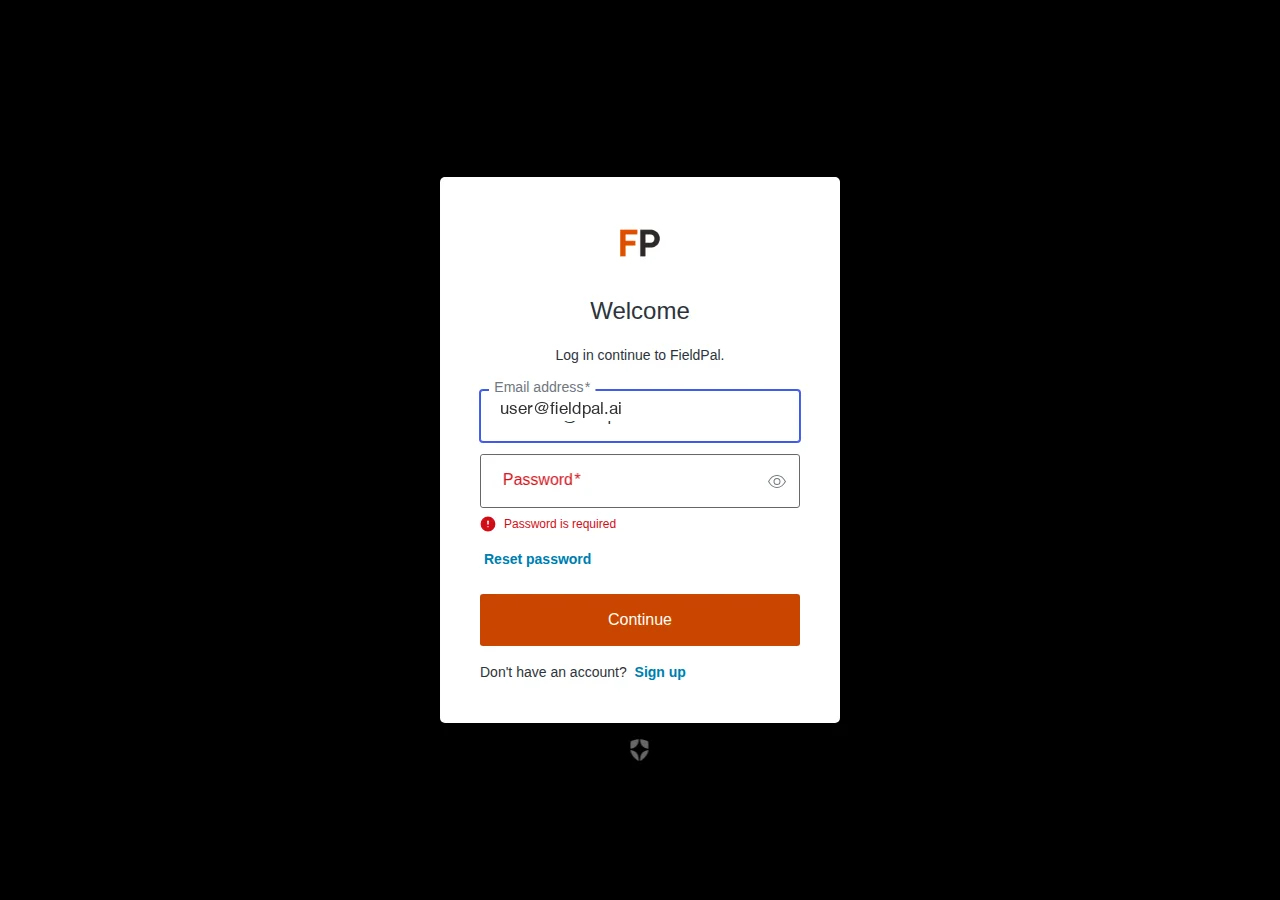
After signing in
On success you are redirected back to the FieldPal dashboard and land on the Conversations page.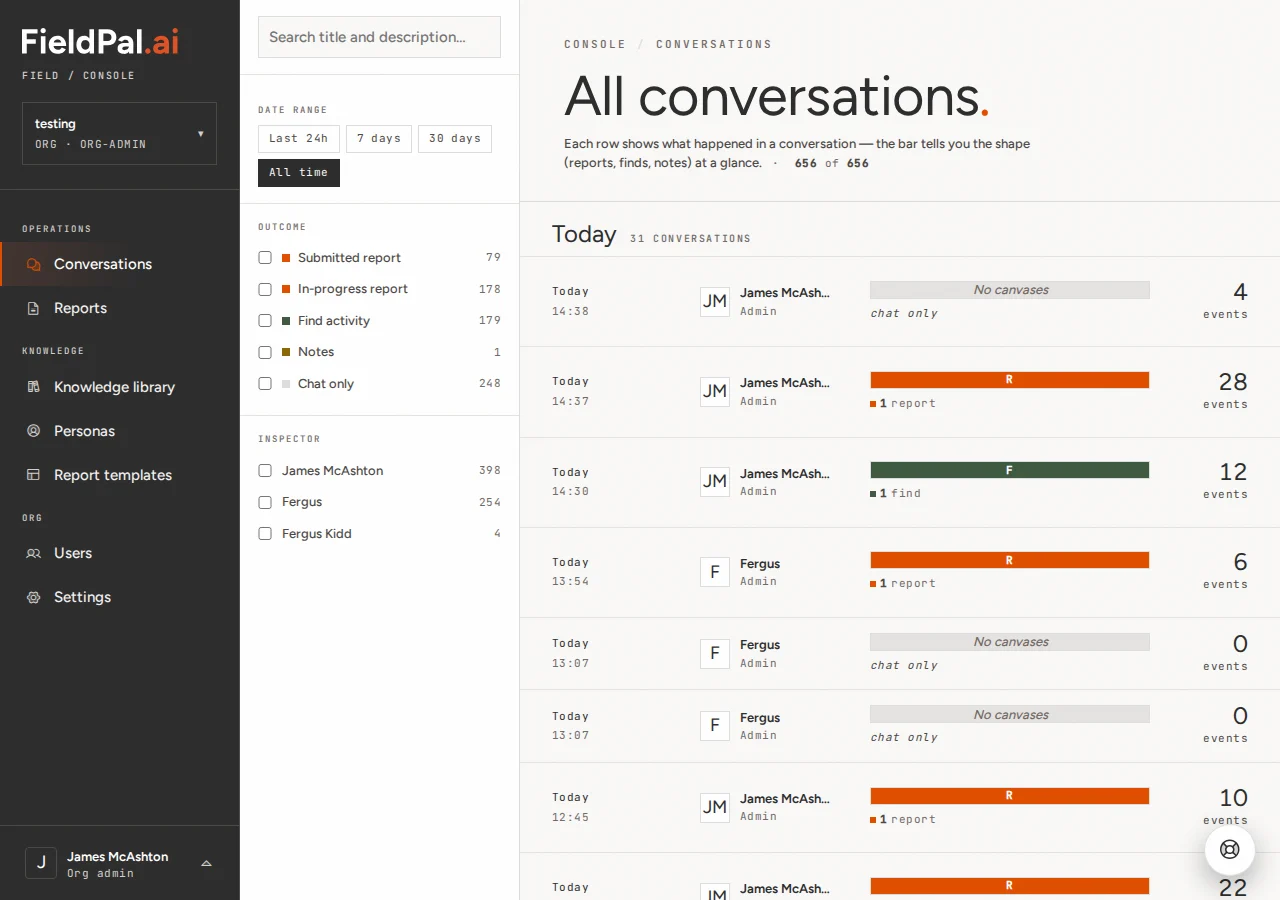
If you have forgotten your password, use the Reset password link on the sign-in form to reset it.