

Getting to Reports
In the left-hand sidebar, click Reports. The reports table shows the most recent submissions at the top by default.Filtering reports
Use the filter controls above the table to narrow down the list:- Date range: show reports submitted within a specific period.
- Template: show only reports created from a particular form template.
- User: show reports submitted by a specific team member.
Reading a report
Click any row in the table to open the full report. The detail view shows:- All form field values as the field worker filled them in.
- Any photos attached to image fields (click a photo to view it full size).
- The date, time, and user who submitted it.
- A link to the original conversation if you want to see the AI chat that generated the report.
RAG fields
Reports with RAG (Red / Amber / Green) fields show a coloured badge next to the field value — red, amber, or green, depending on what the field worker selected. The same colour appears in any PDF export of the report.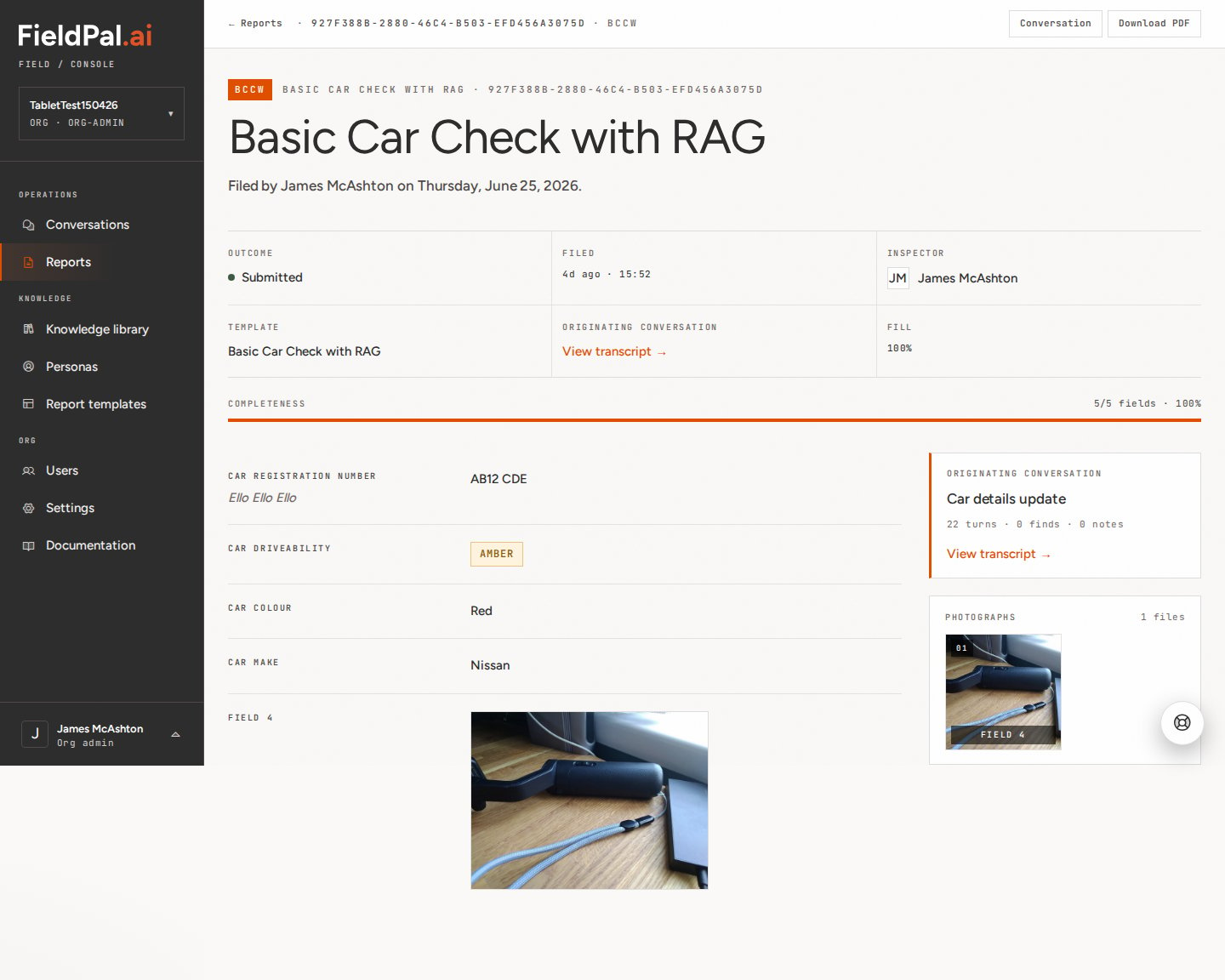
Scan fields
Reports with a scan field show the decoded QR code, barcode, or OCR text as the field value, with the photo FieldPal captured of the code shown alongside it.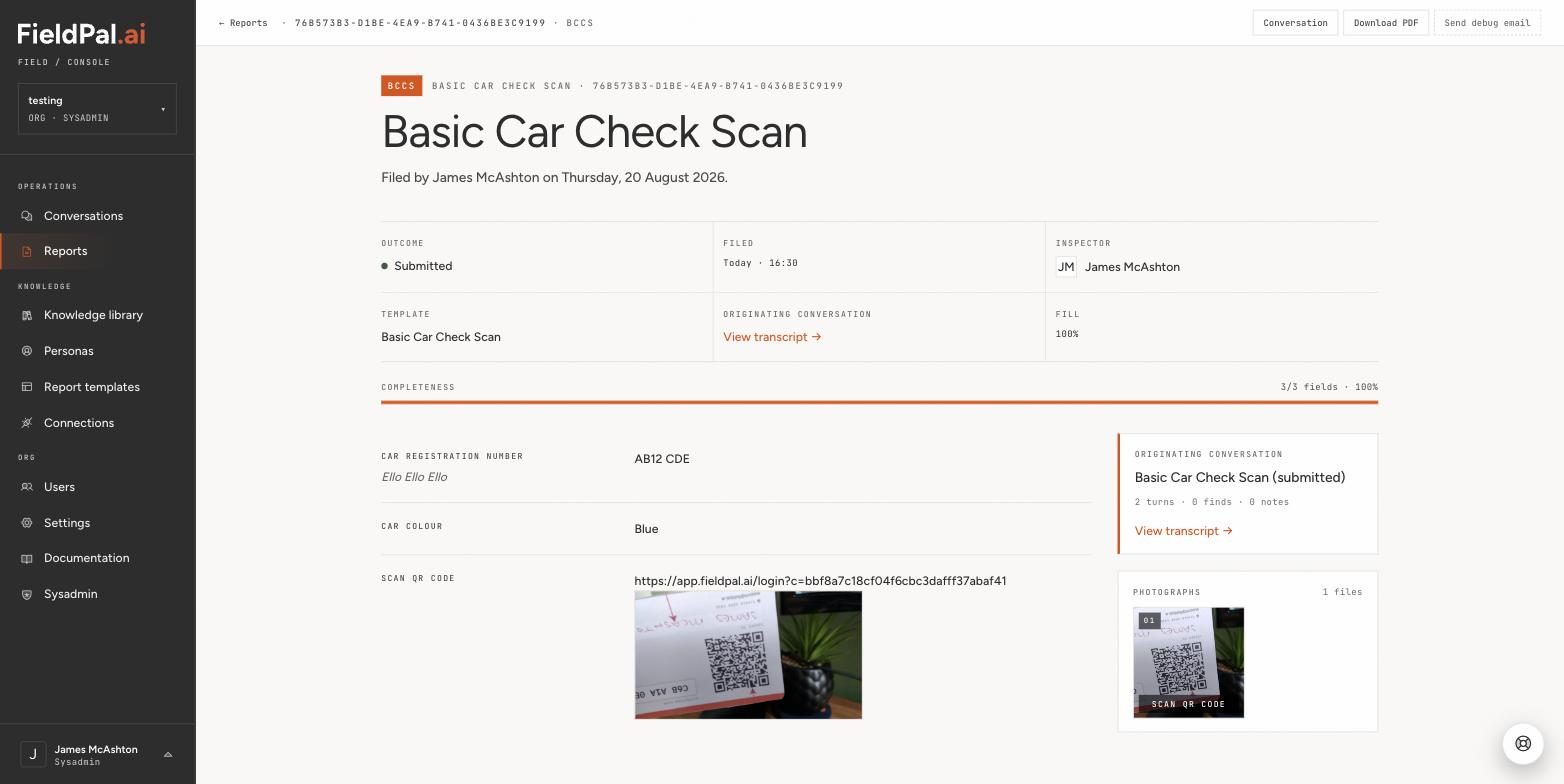
PDF and audio upload fields
If the template includes PDF or audio upload fields, the report detail shows the attached files inline:- PDF upload — shown as a “File attached” link. Click it to open or download the document.
- Audio upload — shown as an inline audio player. Click play to listen directly in the browser.
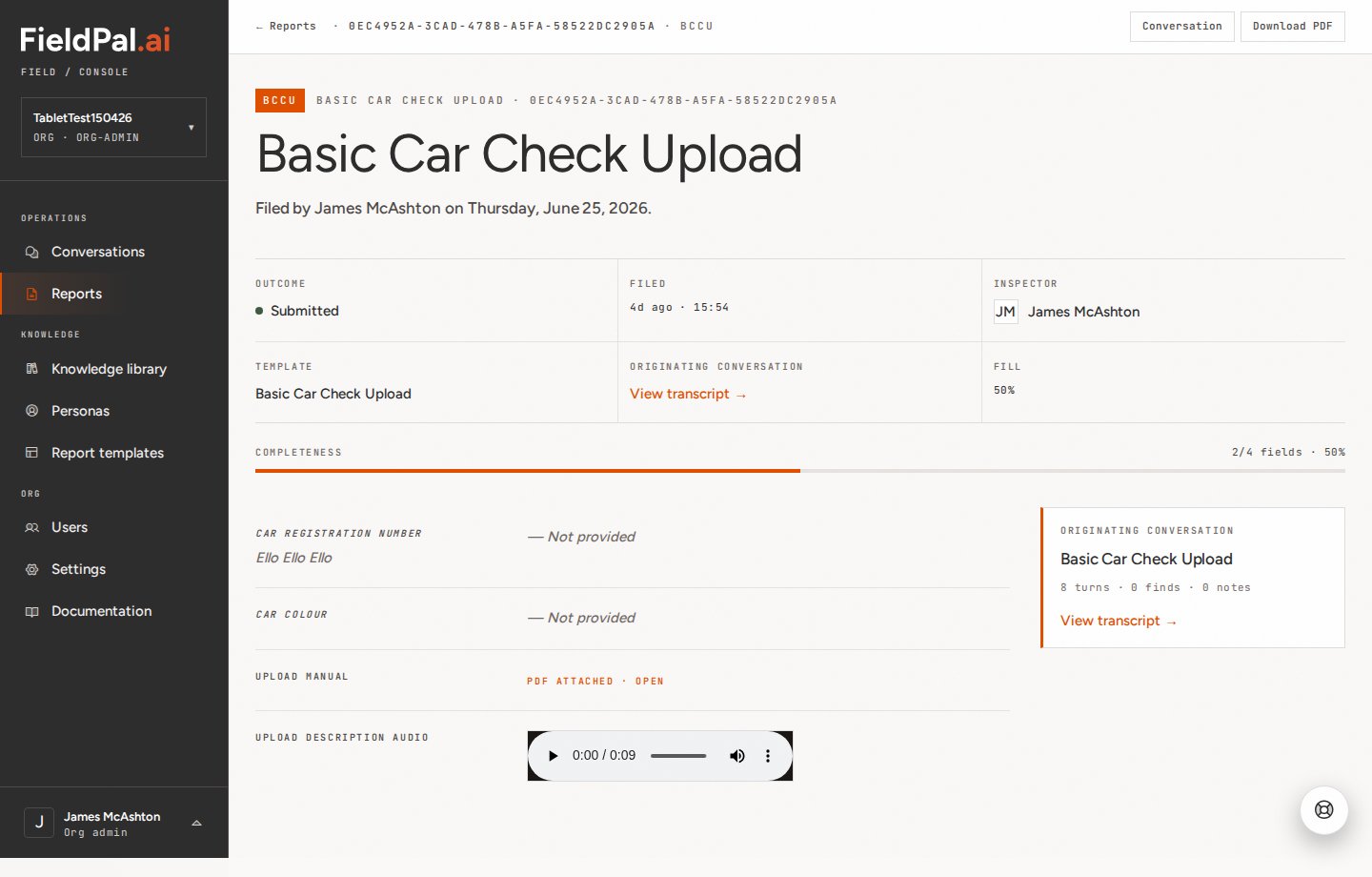
The download link for uploaded files is a time-limited signed URL. If a link appears broken, refresh the report page to get a fresh one.